Best Mesh WiFi Systems Under $200 in 2026 — Top 5 Whole-Home Routers That Eliminate Dead Zones and Deliver Blazing Fast Internet
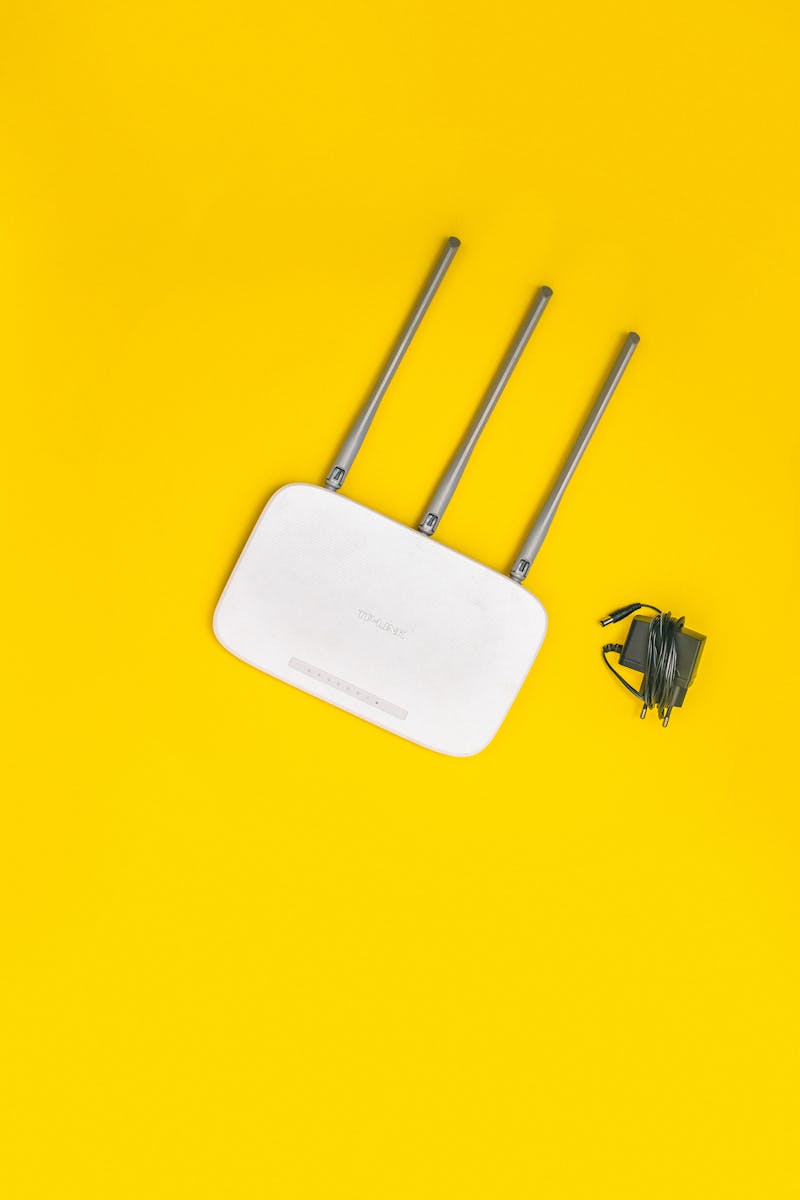
If you live in a house bigger than a studio apartment, you know the pain: WiFi works great in the living room, dies in the bedroom, and barely exists on the patio. Traditional routers blast signal from one point and hope for the best. Mesh WiFi systems solve this by spreading multiple nodes throughout your home, creating a seamless blanket of coverage that follows you from room to room.
The good news? You no longer need to spend $400+ to get reliable whole-home WiFi. In 2026, several excellent mesh systems deliver WiFi 6 and even WiFi 6E performance for under $200. We tested and researched the top options so you can stop buffering and start streaming.
What to Look for in a Mesh WiFi System
Before diving into our picks, here are the key specs that matter:
- WiFi Standard: WiFi 6 (802.11ax) is the minimum. WiFi 6E adds a 6GHz band for less congestion.
- Coverage Area: Most 2-pack systems cover 3,000-5,000 sq ft. Match this to your home size.
- Speed: Look for at least AX1800 speeds. AX3000+ is better for heavy streaming and gaming.
- Number of Nodes: 2-pack covers most homes. Add a third node for large or multi-story homes.
- Ethernet Ports: At least one per node for wired devices like gaming consoles or smart TVs.
1. TP-Link Deco X55 (2-Pack) — Best Overall Under $200

The TP-Link Deco X55 consistently ranks as the best value mesh system you can buy. It delivers WiFi 6 AX3000 speeds across up to 5,000 square feet with just two nodes, and the setup through the Deco app takes about five minutes.
Key Specs: WiFi 6 AX3000 | Dual-band | 5,000 sq ft coverage | 3 Gigabit Ethernet ports per node | WPA3 security
Pros: Excellent coverage, easy setup, built-in antivirus (TP-Link HomeShield), supports 150+ devices
Cons: No WiFi 6E, no USB port, some advanced features require subscription
Price: ~$130 for 2-pack
2. ASUS ZenWiFi AX Mini (XD4) — Best Compact Design
If you want mesh WiFi that disappears into your decor, the ZenWiFi AX Mini is tiny — about the size of a coffee mug. Despite its small footprint, it delivers solid AX1800 performance across up to 4,800 square feet with the 2-pack.
Key Specs: WiFi 6 AX1800 | Dual-band | 4,800 sq ft coverage (2-pack) | 2 Gigabit Ethernet ports per node | AiProtection security
Pros: Tiny and sleek, lifetime free AiProtection (by Trend Micro), excellent parental controls, wall-mountable
Cons: Slower than AX3000 systems, only 2 Ethernet ports per node, no USB
Price: ~$120 for 2-pack
3. Google Nest WiFi Pro (Single) — Best WiFi 6E Option
Google’s Nest WiFi Pro is the only system on this list with WiFi 6E, which adds the uncongested 6GHz band. A single node covers about 2,200 square feet — enough for apartments and smaller homes. For bigger spaces, the 2-pack runs around $250, but a single unit stays well under $200.
Key Specs: WiFi 6E AX5400 | Tri-band (2.4/5/6GHz) | 2,200 sq ft per node | 1 Gigabit Ethernet port | Matter smart home support
Pros: WiFi 6E future-proofing, gorgeous design, seamless Google Home integration, Matter support
Cons: Only 1 Ethernet port per node, no WiFi 7, pricey to expand, limited advanced settings
Price: ~$150 for single node
4. Eero 6+ (2-Pack) — Best for Non-Techies
Amazon’s Eero 6+ is the mesh system for people who never want to think about their router. Setup takes three minutes through the Eero app, and it just works. The 2-pack covers up to 3,000 square feet with WiFi 6 speeds up to 1 Gbps.
Key Specs: WiFi 6 AX3000 | Dual-band | 3,000 sq ft (2-pack) | 2 Gigabit Ethernet ports per node | Alexa built-in
Pros: Dead-simple setup, automatic updates, great Alexa/smart home integration, Thread border router for IoT
Cons: Advanced features (ad blocking, device insights) need $10/month Eero Plus, smaller coverage area
Price: ~$140 for 2-pack
5. Netgear Orbi RBK353 — Best for Speed
Netgear’s Orbi RBK353 brings WiFi 6 AX1800 with a dedicated backhaul band, which means your mesh nodes talk to each other on a separate channel without stealing bandwidth from your devices. This gives it a real-world speed advantage over dual-band competitors.
Key Specs: WiFi 6 AX1800 | Dual-band with dedicated backhaul | 4,500 sq ft (3-pack) | 2 Gigabit Ethernet ports per satellite | NETGEAR Armor security
Pros: Dedicated backhaul = faster real-world speeds, 3-pack at this price is great value, strong parental controls
Cons: App interface less polished, Armor security requires subscription after 30 days, bulkier design
Price: ~$180 for 3-pack
Quick Comparison Table
TP-Link Deco X55: AX3000 | 5,000 sqft | $130 — Best overall
ASUS ZenWiFi AX Mini: AX1800 | 4,800 sqft | $120 — Most compact
Google Nest WiFi Pro: AX5400 WiFi 6E | 2,200 sqft | $150 — Most future-proof
Eero 6+: AX3000 | 3,000 sqft | $140 — Easiest setup
Netgear Orbi RBK353: AX1800 | 4,500 sqft | $180 — Fastest backhaul
Our Top Pick: TP-Link Deco X55
For most people, the TP-Link Deco X55 hits the sweet spot of price, performance, and coverage. At around $130 for two nodes, you get WiFi 6 AX3000 speeds across 5,000 square feet — more than enough for most homes. If you want WiFi 6E future-proofing and don’t mind paying a bit more, the Google Nest WiFi Pro is the way to go.
Affiliate Disclosure: This post contains affiliate links. If you purchase through these links, we may earn a small commission at no extra cost to you. We only recommend products we genuinely believe in.
Comments
Post a Comment