Best Code Editors and IDEs for Web Developers in 2026 — Top 6 Development Tools That Actually Boost Productivity
Best Code Editors and IDEs for Web Developers in 2026 — Top 6 Development Tools That Actually Boost Productivity
The right code editor can make or break your development workflow. With AI-powered features, cloud integration, and lightning-fast performance becoming the standard in 2026, choosing the wrong editor costs you hours every week. After testing dozens of options, these 6 editors stand out for modern web development.

Why Your Code Editor Choice Matters More Than Ever in 2026
Today's web development moves fast. React 19, Vue 4, and the latest TypeScript features require editors that can keep up. The best 2026 editors offer AI code completion that actually works, instant TypeScript error checking, and seamless integration with GitHub Copilot and other AI assistants.
We evaluated each editor on:
- AI Integration: How well it works with Copilot, Claude Dev, and other AI tools
- Performance: Startup time and responsiveness with large projects
- Extension Ecosystem: Quality and quantity of available plugins
- Team Collaboration: Live sharing, code review, and project sync features
- Price Value: Cost vs. features for individual developers and teams
1. Visual Studio Code — The Free Powerhouse That Does Everything
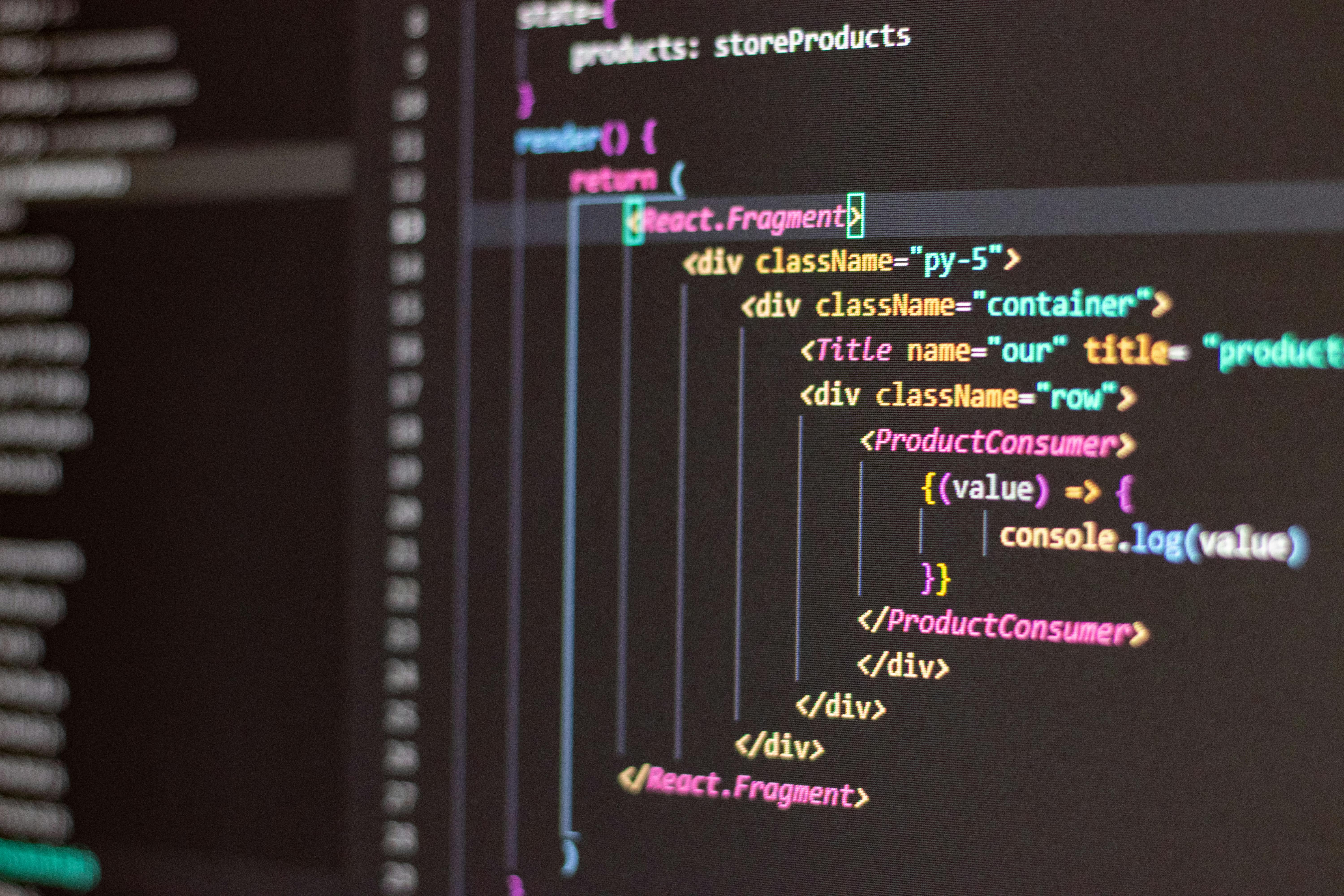
Price: Free | Best For: JavaScript, TypeScript, React, Node.js
VS Code remains the king of free editors in 2026. Microsoft's latest updates include improved AI integration, faster IntelliSense, and better memory management for large projects. The extension marketplace has over 50,000 plugins, covering every framework imaginable.
✅ Pros
- Completely free with no limitations
- Excellent GitHub Copilot integration
- Lightning-fast startup and file loading
- Massive extension library
- Built-in terminal and Git support
❌ Cons
- Can become sluggish with 20+ extensions
- Limited advanced refactoring tools
- No built-in collaborative editing
Bottom Line: Perfect for individual developers and small teams. The extensive customization options mean you can tailor it exactly to your workflow.
2. JetBrains WebStorm — The Premium IDE That Justifies Its Price

Price: $129/year individual | Best For: Angular, React, Vue.js, complex TypeScript projects
WebStorm's AI-powered code analysis in 2026 is unmatched. It catches bugs before you run your code, suggests optimal refactoring patterns, and integrates seamlessly with modern JavaScript frameworks. The built-in tools eliminate the need for separate extensions.
✅ Pros
- Advanced code analysis and error detection
- Intelligent refactoring tools
- Built-in testing framework integration
- Excellent debugging capabilities
- No setup required—works perfectly out of the box
❌ Cons
- Expensive subscription model
- Heavy resource usage
- Steeper learning curve
Bottom Line: Worth every penny for professional developers working on complex projects. The productivity gains from intelligent code analysis pay for the subscription quickly.
3. Cursor — The AI-First Editor That Feels Like Magic

Price: Free tier, Pro at $20/month | Best For: Rapid prototyping, AI-assisted development
Cursor isn't just another code editor—it's a development partner. Built from the ground up for AI-first coding, it understands your codebase context better than any other editor in 2026. The AI can write entire functions, debug complex issues, and even suggest architectural improvements.
✅ Pros
- Revolutionary AI code generation
- Context-aware suggestions
- Natural language code editing
- Excellent for learning new frameworks
- Fast iteration and prototyping
❌ Cons
- Smaller extension ecosystem
- Still evolving—some features are beta
- Requires internet for AI features
Bottom Line: The future of coding is here. If you're comfortable with AI assistance, Cursor will 2x your development speed.
4. Sublime Text 4 — The Speed Demon for Large Codebases

Price: $99 one-time purchase | Best For: Large files, multi-file editing, performance-critical work
When you need to edit 100MB log files or search across millions of lines of code, Sublime Text delivers. The 2026 version adds GPU-accelerated rendering and improved Python API for package development, while maintaining its reputation as the fastest editor available.
✅ Pros
- Unmatched performance with large files
- Powerful multi-cursor editing
- Instant startup time
- One-time purchase (no subscription)
- Elegant, distraction-free interface
❌ Cons
- Limited AI integration
- Smaller plugin ecosystem than VS Code
- No built-in Git integration
Bottom Line: The best choice for developers who prioritize speed and simplicity over AI features. Perfect for backend development and text processing tasks.
5. GitHub Codespaces — Cloud Development Done Right

Price: Free tier, paid plans from $4/month | Best For: Remote teams, consistent dev environments, iPad development
Codespaces transforms any device into a powerful development machine. In 2026, it supports full GPU acceleration for AI model development and can spin up complex environments in under 30 seconds. Perfect for teams that need consistent development setups across multiple machines.
✅ Pros
- Develop from any device, including iPad
- Instant environment setup
- Powerful machine specs available
- Perfect for team onboarding
- Integrated with GitHub workflows
❌ Cons
- Requires stable internet connection
- Can get expensive with heavy usage
- Limited offline capabilities
Bottom Line: Game-changing for distributed teams and developers who work across multiple devices. The convenience factor is unmatched.
6. Nova — The Mac-Native Editor That Feels Like Home

Price: $99 one-time purchase | Best For: Mac users, native app development, design-conscious developers
Built exclusively for macOS, Nova integrates seamlessly with your Mac workflow. The 2026 version adds improved SwiftUI support and better integration with Xcode for iOS development. If you're a Mac user who values native performance and beautiful design, Nova delivers both.
✅ Pros
- Beautiful, native macOS interface
- Excellent performance on Apple Silicon
- Great for web and iOS development
- One-time purchase model
- Outstanding customer support
❌ Cons
- Mac-only (obviously)
- Smaller community and extension library
- Limited AI integration compared to others
Bottom Line: Perfect for Mac developers who want a native experience. Especially great if you're building both web and iOS apps.
Our Top Pick for Web Developers in 2026
🏆 Winner: Visual Studio Code (with Cursor as Close Second)
For most web developers, VS Code remains the best choice in 2026. It's free, incredibly powerful, and has the largest community support. Pair it with GitHub Copilot, and you get 90% of what premium IDEs offer without the subscription cost.
However, if you're comfortable embracing AI-first development, Cursor represents the future. Its AI capabilities are genuinely revolutionary and can 2-3x your coding speed once you adapt to the workflow.
For teams with budget: WebStorm provides the most robust development experience out of the box.
For Mac users: Consider Nova for its native performance and beautiful interface.
Making Your Choice in 2026
The "best" editor depends on your specific needs:
- Freelancers/Students: Start with VS Code (free and powerful)
- Professional Teams: WebStorm or Cursor Pro for advanced features
- Performance-First Developers: Sublime Text 4
- Remote/Distributed Teams: GitHub Codespaces
- Mac-Native Experience: Nova
Remember: the best editor is the one you'll actually use consistently. Most productivity comes from mastering your tool's features, not constantly switching between options.
Pro Tip: Try the free options first (VS Code, Cursor free tier), then upgrade only if you hit specific limitations. Many developers never need to move beyond VS Code.
Affiliate Disclosure: This post contains affiliate links. When you purchase through these links, we may earn a small commission at no extra cost to you. This helps us create more helpful content for developers.
Comments
Post a Comment