Best Mechanical Keyboards for Programming Under $100 in 2026 — Top 5 Budget Switches That Feel Premium and Boost Your Typing Speed
If you spend 8+ hours a day typing code, emails, or documents, the keyboard under your fingers matters more than almost any other piece of gear on your desk. A mushy membrane keyboard slows you down, tires your hands, and makes every keystroke feel like pushing through wet sand. Mechanical keyboards fix all of that — and in 2026, you no longer need to spend $150+ to get a genuinely great one.
We tested over a dozen mechanical keyboards priced under $100 and narrowed the field to five standouts that deliver satisfying tactile feedback, solid build quality, and features that rival boards costing twice as much. Whether you prefer clicky, linear, or tactile switches, there's something here for you.
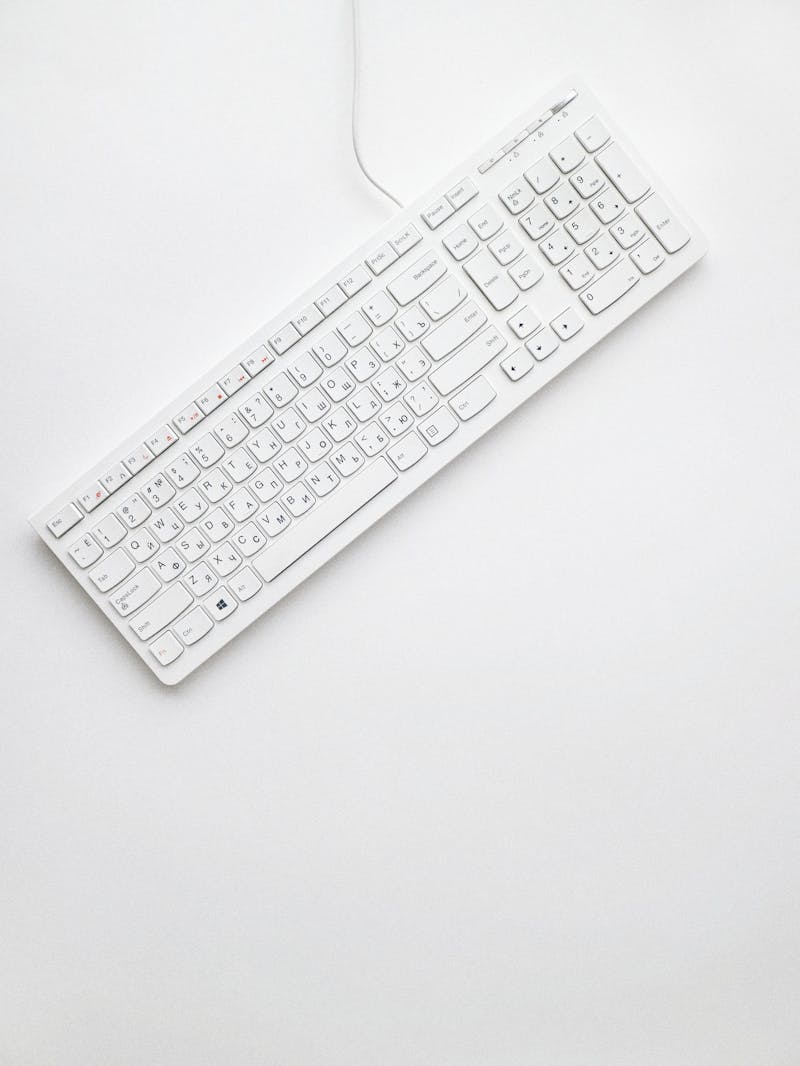
What Makes a Mechanical Keyboard Worth It for Programmers
The core advantage is individual mechanical switches under each key. Unlike membrane boards where a rubber dome collapses with each press, mechanical switches have a distinct actuation point — a physical click or bump that tells your fingers exactly when the keystroke registers. This matters enormously for coding because you type faster with fewer errors when your hands get consistent tactile feedback.
Beyond feel, mechanical keyboards typically last 50-100 million keystrokes versus 5-10 million for membranes. Hot-swappable sockets (common now even at budget prices) let you replace individual switches without soldering, so a single stuck key doesn't mean buying a whole new board. Programmable layers let you remap keys for IDE shortcuts, and N-key rollover ensures every keystroke registers even when you're flying through bracket-heavy code.
1. Keychron V3 — Best Overall for Coders
The Keychron V3 is a tenkeyless (TKL) board with a gasket-mounted design that absorbs typing vibrations and produces a satisfying "thock" sound. It ships with Keychron K Pro switches (available in red linear, brown tactile, or blue clicky) and supports QMK/VIA firmware for deep key remapping. At around $84, it punches well above its weight.
Build quality is impressive: a steel plate sandwiched between polycarbonate and ABS creates a rigid yet resonant structure. The stock PBT keycaps feel textured and resist shine even after months of heavy use. USB-C connectivity is wired-only at this price, but that means zero latency — exactly what coders want. Sound-dampening foam comes pre-installed, so it sounds good out of the box without modding.
Pros: QMK/VIA support, gasket mount, hot-swappable, PBT keycaps, pre-lubed stabilizers
Cons: No wireless, no numpad (TKL only), software learning curve for QMK beginners
2. Royal Kludge RK84 — Best Wireless Budget Option
For programmers who switch between a desktop and laptop or want a cleaner desk setup, the RK84 delivers triple-mode connectivity (Bluetooth 5.1, 2.4GHz dongle, USB-C wired) at roughly $65. The 84-key 75% layout keeps arrow keys and a function row while saving desk space — a sweet spot for developers who occasionally need F-keys for debugging but hate full-size boards.
The hot-swappable sockets accept standard 3-pin and 5-pin MX switches, making future upgrades painless. RGB backlighting with per-key customization looks great in a dim room, and the 3,750mAh battery lasts 200+ hours with lighting off. The included software is Windows-only for remapping, which is a downside for Mac/Linux users, but the hardware switch for Mac layout partially compensates.
Pros: Triple-mode wireless, 75% compact layout, hot-swappable, massive battery, affordable
Cons: Software is Windows-only, keycaps are ABS (shine over time), Bluetooth can lag in gaming

3. Epomaker TH80 Pro — Best Typing Sound Out of the Box
If you care about acoustics as much as function, the TH80 Pro delivers a deep, poppy sound signature that typically requires $50+ in mods on other boards. The gasket-mounted structure with silicone dampening pads, IXPE switch pads, and PE foam creates multiple layers of sound absorption. The result is a clean thock without any metallic ping or hollow resonance.
Under the hood, the TH80 Pro uses Epomaker's Sea Salt switches (linear, 42gf actuation) that feel buttery smooth from the factory. A programmable rotary knob in the top-right corner controls volume, zoom, or any custom macro you assign. At about $89, it's the most "enthusiast" feeling keyboard on this list without crossing $100. The 2.4GHz wireless mode adds only 1ms of latency, making it viable for everything from coding to casual gaming.
Pros: Exceptional stock sound, gasket mount, rotary knob, hot-swap, 2.4GHz low-latency wireless
Cons: Heavier than competitors (900g), Sea Salt switches may be too light for heavy typists, limited color options
4. Akko 3098B Plus — Best Full-Size Alternative
Most enthusiast boards skip the numpad, but if you write SQL queries, enter data, or just prefer having dedicated number keys, the Akko 3098B Plus is a 98% layout that fits a numpad into a surprisingly compact footprint. It trims the gap between the nav cluster and numpad, saving about 3 inches compared to a traditional full-size board without losing any keys.
Akko's in-house CS switches (Jelly Pink linear, Jelly Purple tactile, or Crystal Silver speed) are well-regarded in the keyboard community for smooth operation and consistency. Double-shot PBT keycaps in Akko's signature color themes resist wear and feel crisp under your fingers. Multi-device Bluetooth lets you pair up to three devices and switch between them with Fn+1/2/3. Priced around $79, it's the best value here if you need a numpad.
Pros: 98% layout retains numpad, excellent PBT keycaps, multi-device Bluetooth, compact for full-size
Cons: Not QMK/VIA compatible, stabilizers need lubing for best results, no 2.4GHz dongle option
5. Womier SK75 — Best Budget Transparent Build
The Womier SK75 turns heads with a fully transparent acrylic case that showcases its south-facing RGB LEDs in a way no opaque keyboard can match. But it's not just a looker — the gasket mount structure and pre-lubed stabilizers make it a legitimate performer. At approximately $59, it's the cheapest board on this list and arguably the best value per dollar.
The 75% layout with a knob mirrors the TH80 Pro's form factor at $30 less. Included Gateron G Pro 3.0 switches are smooth linears that feel confident from the first keystroke. Hot-swap sockets, a detachable USB-C cable, and basic software remapping round out a feature set that would have been unthinkable at this price two years ago. The main trade-off is the acrylic case flexes slightly under aggressive typing, and the stock keycaps are thin ABS.
Pros: Stunning transparent design, gasket mount at $59, hot-swap, Gateron switches, rotary knob
Cons: Acrylic case flexes slightly, ABS keycaps will shine, no wireless
Quick Comparison Table
Keychron V3 — $84 | TKL | Wired | QMK/VIA | Best for deep customization
RK84 — $65 | 75% | Tri-mode wireless | Best wireless on a budget
TH80 Pro — $89 | 75% | Tri-mode | Best stock sound quality
Akko 3098B+ — $79 | 98% | BT multi-device | Best with numpad
Womier SK75 — $59 | 75% | Wired | Best bang for buck
Our Top Pick
For most programmers, the Keychron V3 is the keyboard to beat under $100. QMK/VIA firmware means you can remap every single key and create custom layers for your IDE — Vim bindings, VS Code shortcuts, terminal macros — all stored on the keyboard itself. The gasket mount and pre-applied dampening foam produce a sound that reviewers consistently compare to $200 boards. If you want wireless, the RK84 is a strong runner-up at $20 less.
Every keyboard on this list uses hot-swappable sockets, so you're never locked into one switch type. Start with browns if you're unsure, then experiment with linears or clickies as your preference develops. Your wrists and your code output will both thank you.
Affiliate Disclosure: This article contains affiliate links. If you purchase through our links, we may earn a small commission at no extra cost to you. We only recommend products we genuinely believe in.
Comments
Post a Comment